
Welcome to Vikihub Marketplace
Welcome to Vikihub.ng, Nigeria’s growing technology marketplace. This guide will help you create a vendor account, upload products, manage orders, and grow your sales.
📖 Reading Time: 5 Minutes
⏱️ Store Setup Time: 10–15 Minutes
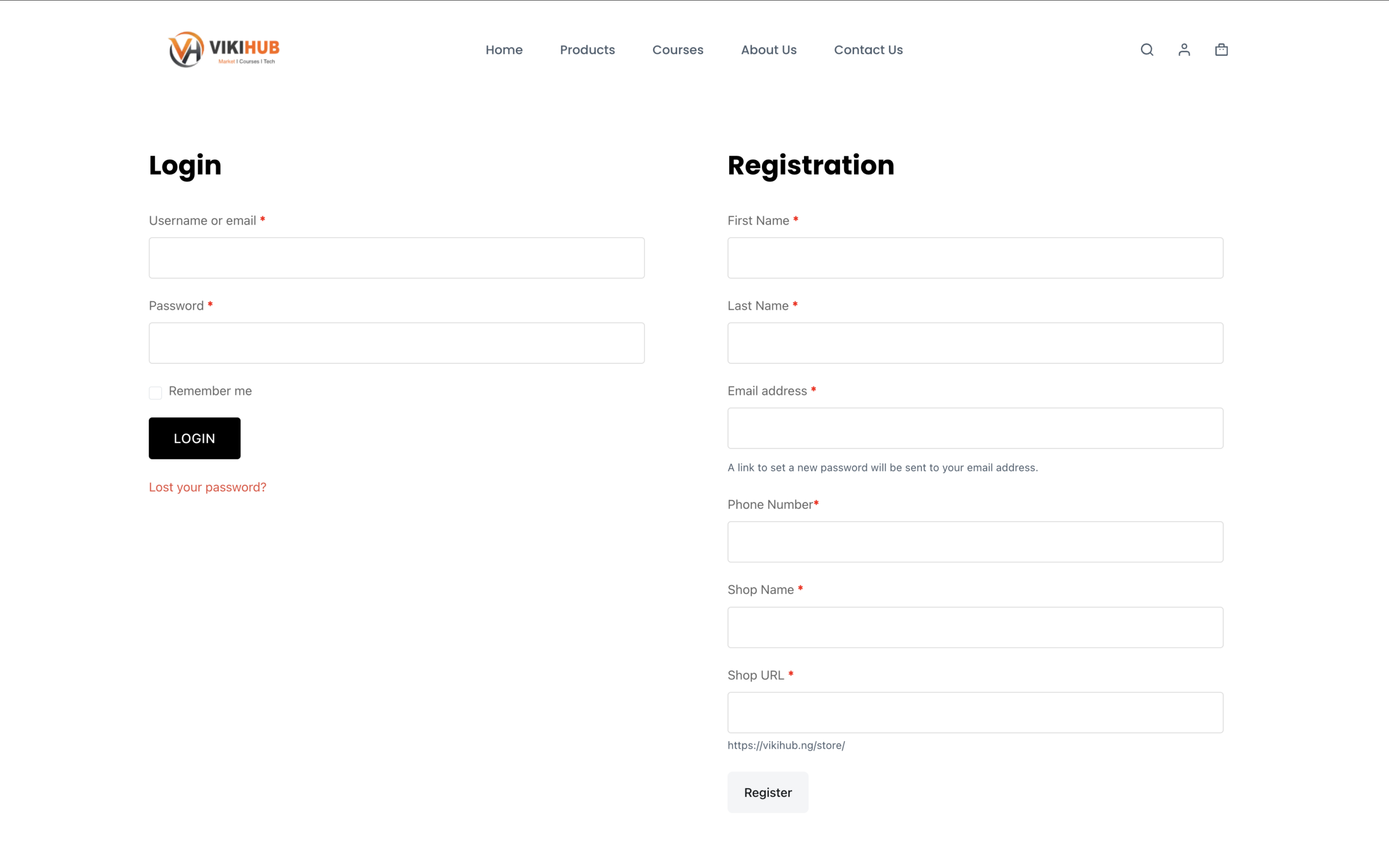
Step 1: Become a Vendor
- Click Become a Vendor
- Complete the registration form
- Verify your email address
- Log in to your Vendor Dashboard
Step 2: Complete Your Store Profile
Before uploading products:
✓ Upload Store Logo
✓ Upload Banner Image
✓ Add Store Description
✓ Add Phone Number
✓ Add Business Address
✓ Configure Payment Details
A complete profile increases customer trust.
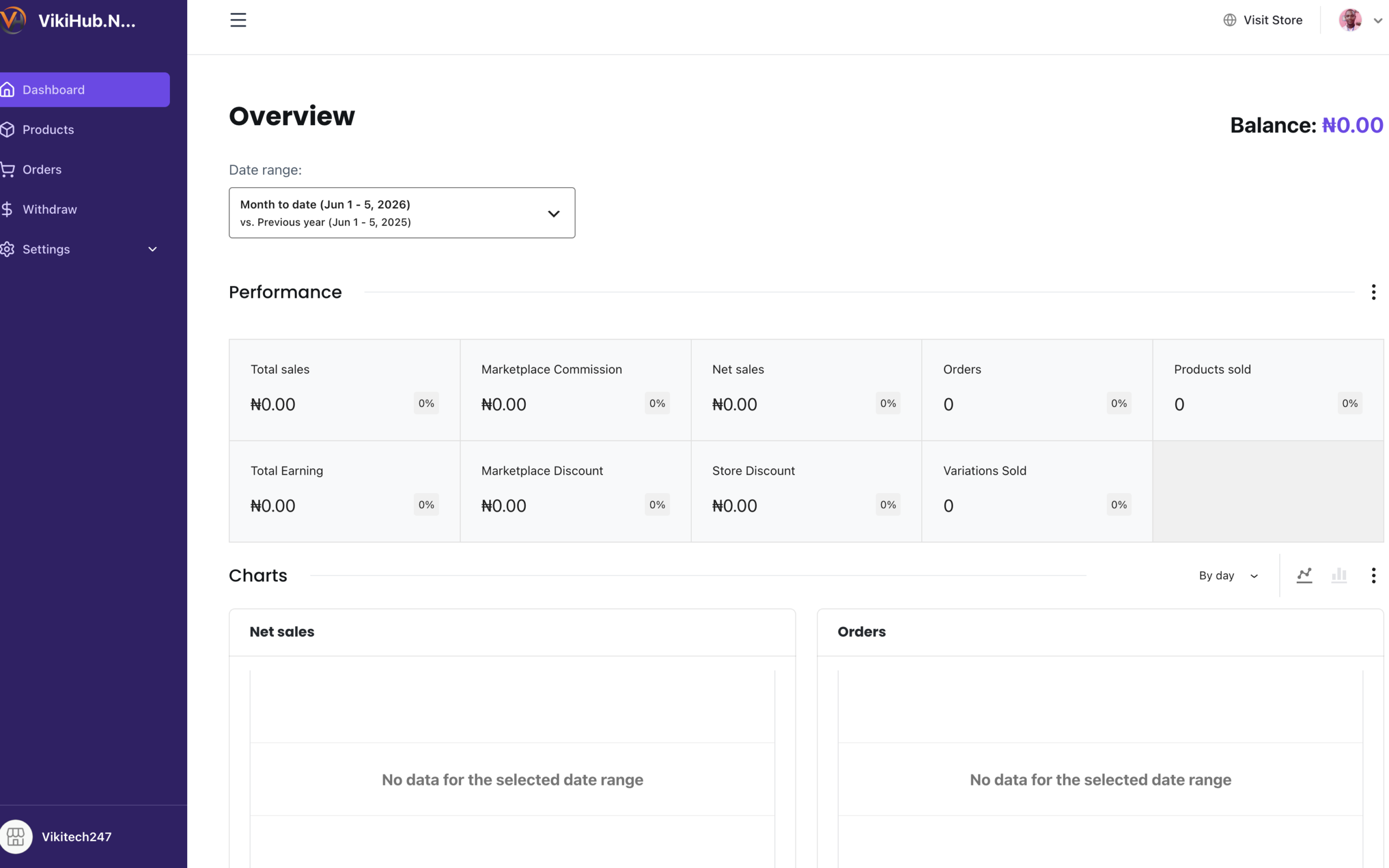
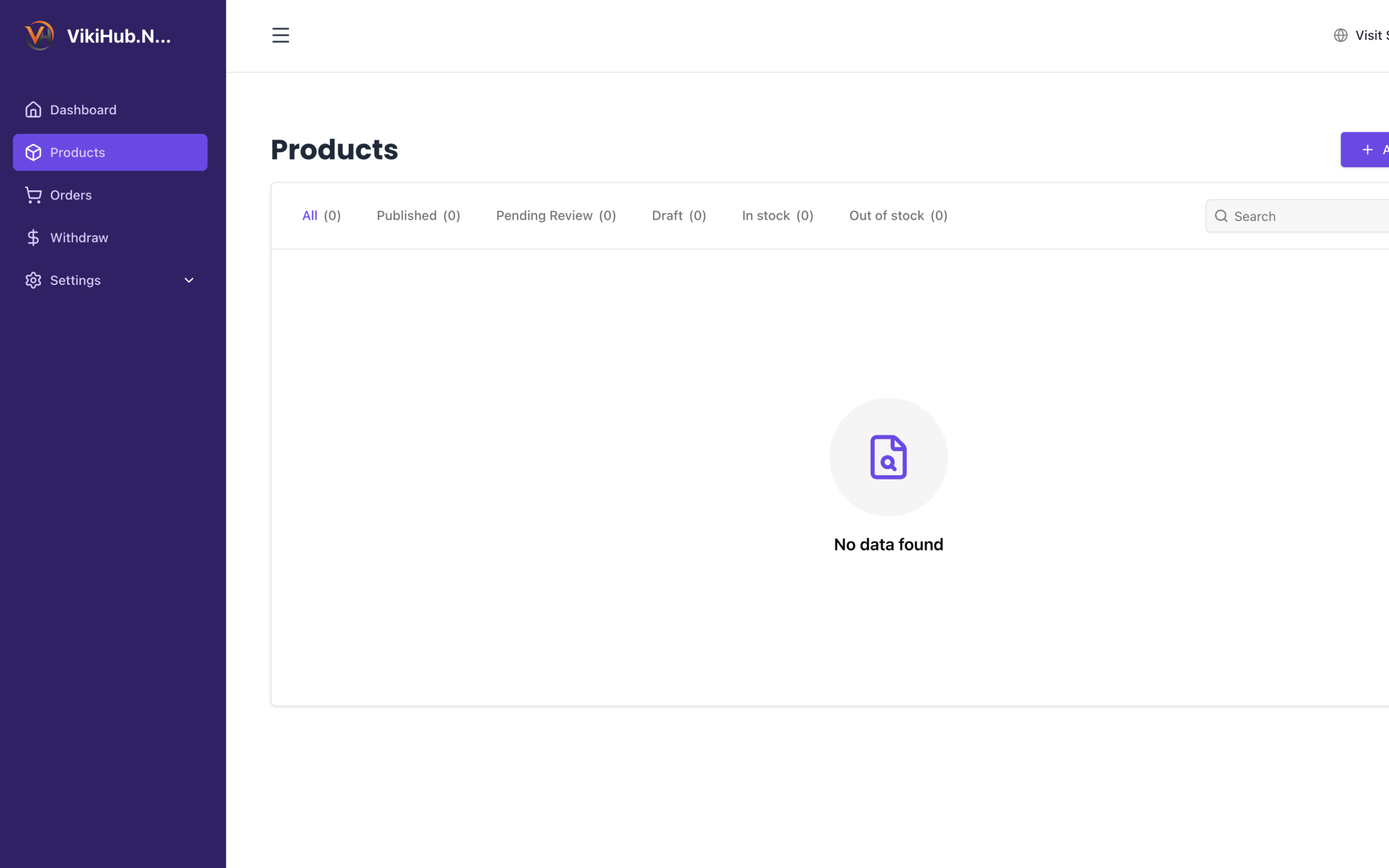
Step 3: Upload Your First Product
- Login to Vendor Dashboard
- Click Products
- Click Add New Product
- Enter Product Name
- Set Price
- Add Product Description
- Select Category
- Upload Product Images
- Click Publish
Step 4: Product Image Tips
Good images sell faster.
Use:
✓ Clear Background
✓ Multiple Angles
✓ Good Lighting
✓ Real Product Photos
Avoid:
✗ Blurry Images
✗ Watermarked Images
✗ Screenshots
✗ Images with excessive text
Step 5: Writing Product Descriptions
Bad:
Laptop for sale.
Good:
Dell Latitude 7490, Intel Core i5, 8GB RAM, 256GB SSD, Windows 11 Pro, Excellent Battery Health.
The more information you provide, the more confidence buyers have.
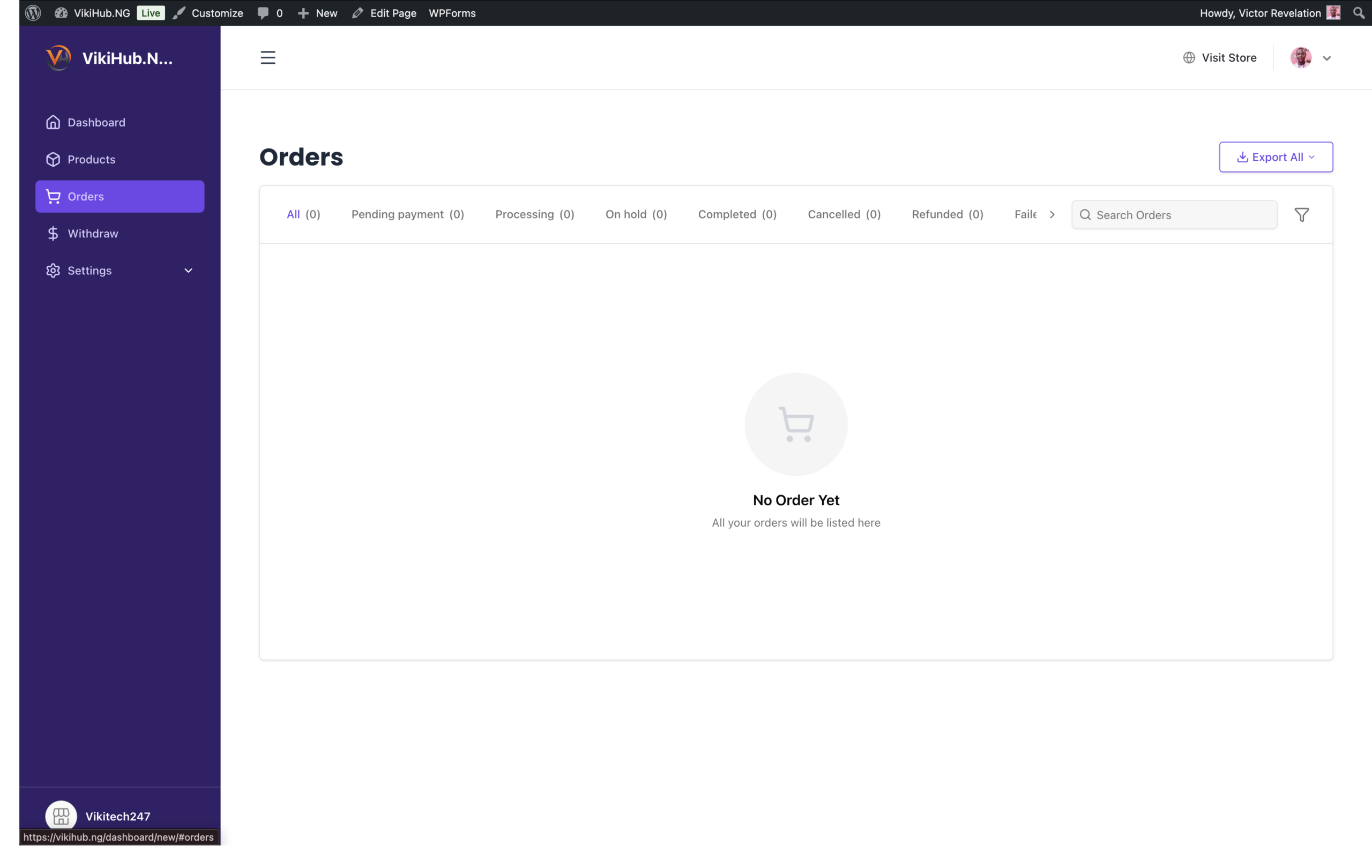
Step 6: Managing Orders
When an order arrives:
- Open Vendor Dashboard
- Click Orders
- Review Order Details
- Prepare Product
- Update Order Status
Respond quickly to improve customer satisfaction.
Step 7: Promote Your Products
Share your product links on:
- TikTok
- Telegram
The more traffic you bring, the more sales you make.
Need Help?
If you encounter any difficulties while setting up your store or uploading products, our support team is available to assist you.
📧 Email: support@vikihub.ng
🌐 Contact Page: vikihub.ng/contact-us
Ready to Start Selling?
Join hundreds of future technology vendors and start reaching customers across Nigeria.
Step 8: Product Approval Process
Many vendors will wonder:
“I uploaded my product. Why is it not showing?”
Explain:
- Upload product
- Product enters review queue
- Vikihub reviews the listing
- Product is published
Or, if you have auto-publishing enabled:
Products become visible immediately after publication.